MotionVideo
 0:16
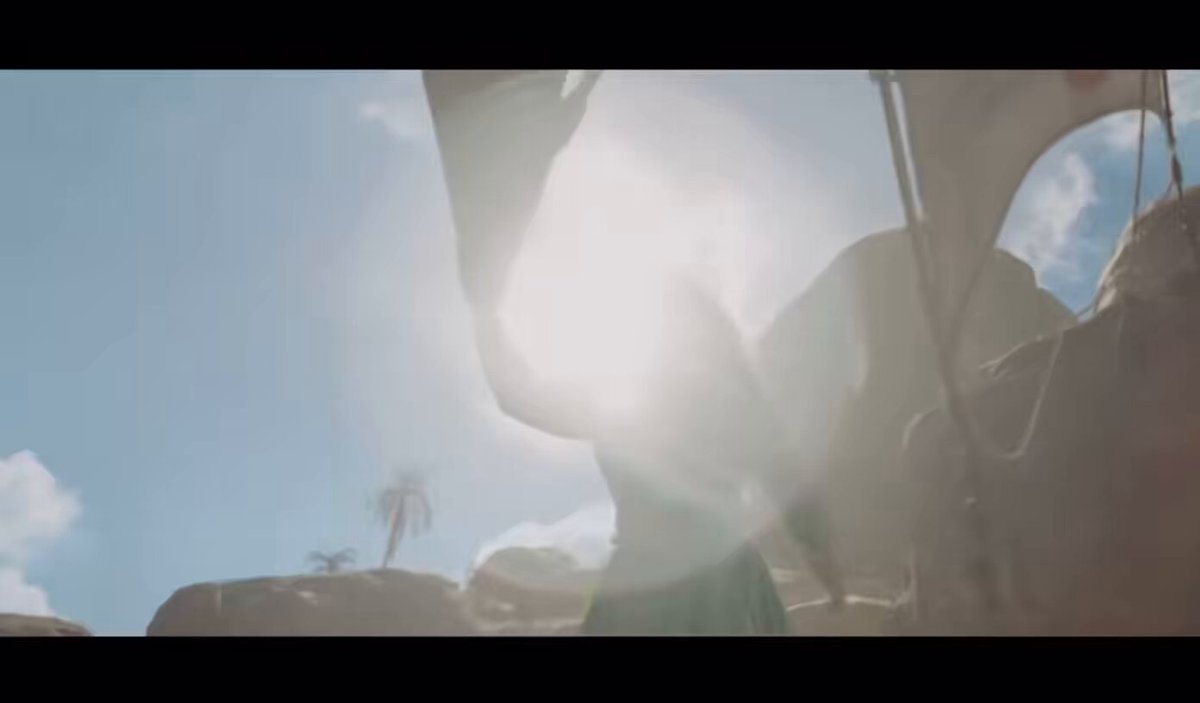
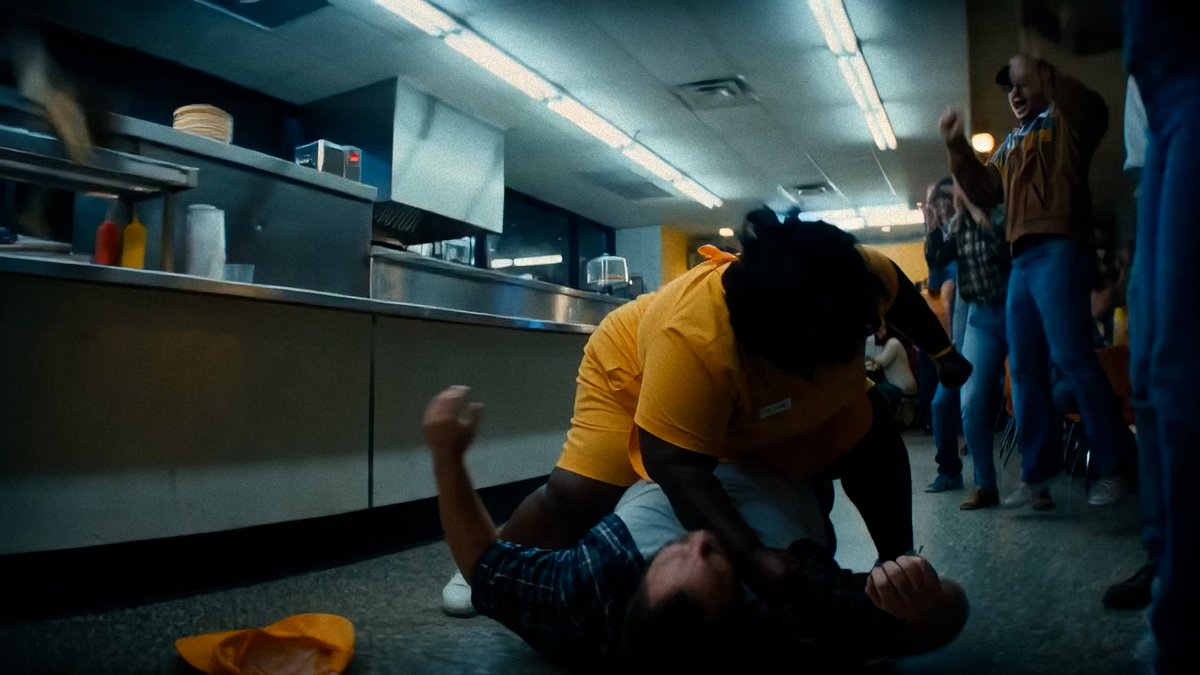
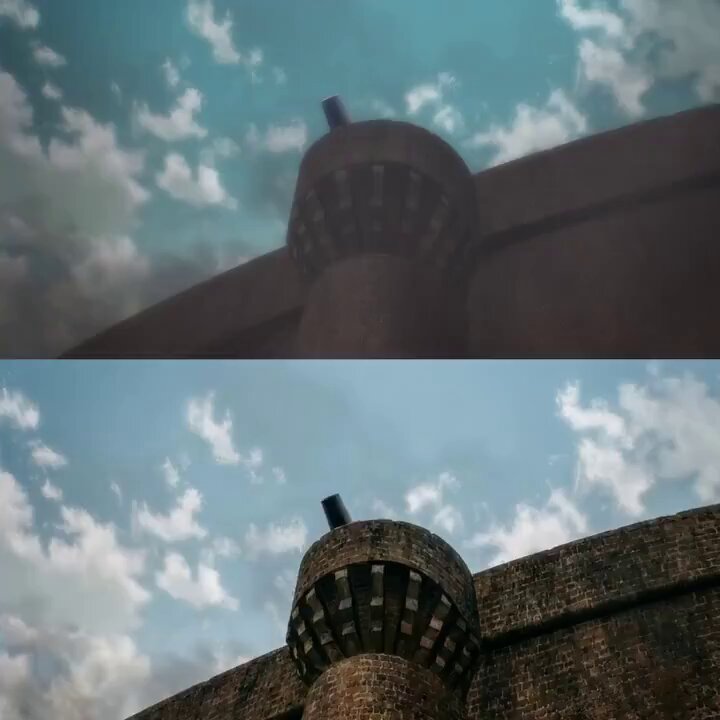
0:16Block game and cinematic video built with MCode
Block game and cinematic video built with MCode — @sakatayasha의 Hailuo 03 작품. 영상과 크리에이터의 원본 게시물에서 작품의 배경을 확인하세요.
0:25 · 42 좋아요 · 수집 당시 데이터 · 24K 조회수 · 수집 당시 데이터
크리에이터 게시물
크리에이터 게시물과 원래 작품 제목은 원문으로 유지합니다.
this is f***king crazy
MiniMax took its Code agent out of the GUI and dropped it straight into your terminal for FREEE
MCode CLI/TUI is the terminal entry point for MiniMax Code. cd into your project, launch mcode, and the agent reads your code, edits files, and runs commands from prompt to shipped feature without ever leaving your terminal
I installed it on my terminal and tested it by building a GTA V style block game and cinematic video with Minimax H3.
> it literally took just 8 minutes to build with MiniMax
> Consumed way too low token, so it's super affordable
and here’s how you can turn your own dream sites into reality with a smooth experience
how to set up (under 2 min):
step 1: open the terminal and run
For Mac,
curl -fsSL https://t.co/YbiMzuy8t2 | bash
For Windows,
irm https://t.co/yEjYuKz1d4 | iex
step 2: close the terminal and reopen again
step 3: launch mcode with
mcode --version
step 4: start delegating
prompt it to read code, make edits, run commands, it works directly in your repo
크리에이터의 게시물이며 검증된 생성 프롬프트는 아닙니다.