MotionVideo
 0:15
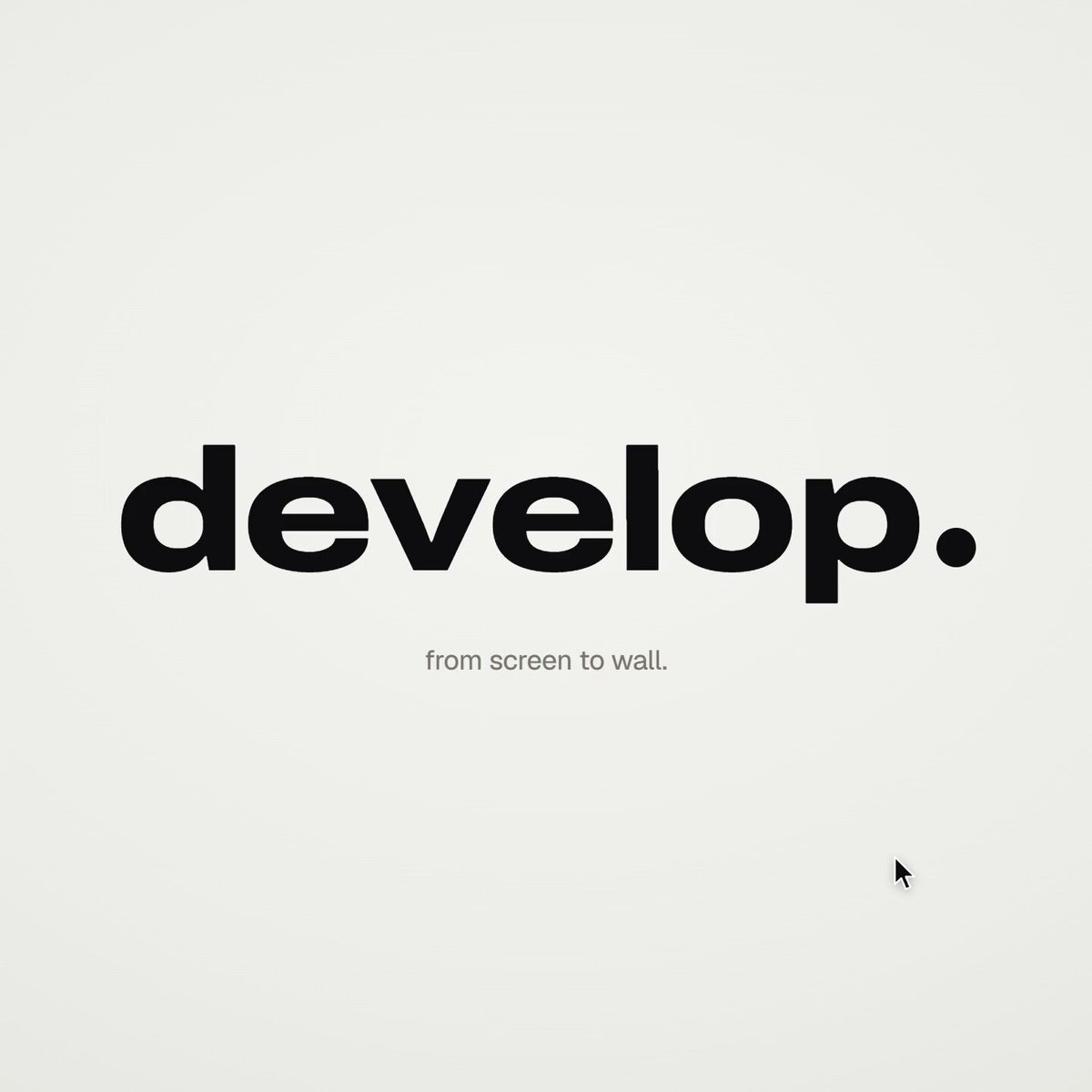
0:15Automated project launch video generated by code
Automated project launch video generated by code — @Voxyz_ai による Opus 5.5 の作品。動画と作者の原投稿から作品の背景を確認できます。
0:15 · 222 いいね(収録時のデータ) · 33.7K 再生(収録時のデータ)
作者の投稿
作者の投稿と元の作品タイトルは原文のまま掲載しています。
For a launch video of your own project, this might be the easiest Claude Code skill on Opus 5.5: /brag.
It reads your code, shows your real product in use, writes its own music and sound effects, renders a short video, and gives you the post copy too. On Opus 5.5 it switches to the lean brag-slim automatically, so there's no HyperFrames to install.
The video below was made by Opus 5.5 on Max effort from 𝗮 𝘀𝗶𝗻𝗴𝗹𝗲 𝗽𝗿𝗼𝗺𝗽𝘁.
One thing you have to do: don't post the moment it finishes rendering. Have it go back over the video 𝘀𝗲𝗰𝗼𝗻𝗱 𝗯𝘆 𝘀𝗲𝗰𝗼𝗻𝗱. Most of the gap between a good video and an average one is in that step.
Two ways to use it:
→ Out of the box: say /brag in your project. For a different style, add --tone, like --tone "fake Series A launch from 2016".
→ With a review pass: brag makes the first cut, then a subagent reviews it second by second and lists problems as P0, P1 and P2. The main session fixes the P0s before the final render.
https://t.co/VpIACP4eP6 (MIT, 11K stars)
これは作者の投稿であり、検証済みの生成プロンプトではありません。