 MotionVideo
MOTIONVIDEO · A SANDBASE LAB GUIDE
What is a motion video?
Learn how motion videos use animation, typography and creative code. Explore real examples and plan your own project with SandBase Lab.
Start creating on SandBase Lab ↗A moving idea, with a clear purpose
A motion video uses movement to communicate an idea. That might mean a headline that unfolds word by word, a product interface that demonstrates a workflow, or an animated diagram that explains a complicated system. The term is broad: motion graphics usually focuses on designed shapes, type and layouts, while video can also include filmed or AI-generated scenes.
Start with what the viewer should understand. A short product introduction needs a clear reveal and a useful final frame; an educational animation needs an understandable sequence. Movement earns its place when it helps that message. An impressive transition alone does not make the idea clearer.
Choose a format that fits the idea
The collection separates different creative approaches so you can study the parts that matter to your project. A style reference is useful when you can name what you want to borrow: the pacing, framing, color discipline or way the information appears.
- Kinetic typography: use words, timing and scale to carry the story.
- Product UI: demonstrate a user action and the interface response.
- Animated explainers: introduce one concept at a time with diagrams and visual cues.
- Particles, shapes and 3D scenes: explore atmosphere, depth and spatial movement.
- Short films: tell a story through characters, shots and a continuous visual world.
What to notice when watching an example
Watch once for the overall idea, then again for the structure. Where does your eye go first? How long does the title remain readable? Does the movement accelerate naturally, or does every element move at the same pace? Notice when the creator uses stillness: a pause gives a title or diagram time to register.
Check the first and final frames, not only the middle. The opening should establish the subject quickly. The ending should resolve the movement or leave the viewer with a useful next step. For a loop, the transition back to the first frame deserves the same attention as any other cut.
From a reference to an original brief
Write down the communication goal, audience, aspect ratio, duration, required text and assets you have permission to use. Describe a short sequence of beats instead of asking for a vague “cinematic” result. If your reference is another creator’s work, use it to identify a technique rather than copying their identity, logo or artwork.
SandBase Lab offers a route from the collection to creation. A video detail page can open a workflow with the source post and its model prefilled. Read and adapt that text first: a social post may describe a result without giving the exact generation prompt. The generator guide explains the difference between a rendered video workflow and an animation made with code.
Motion video examples to explore
These examples come from relevant Lab categories, ordered by likes in the source snapshot and limited to one video per creator. Open a video to see its source and context.
 1:12
1:12Strategy game style warehouse management software
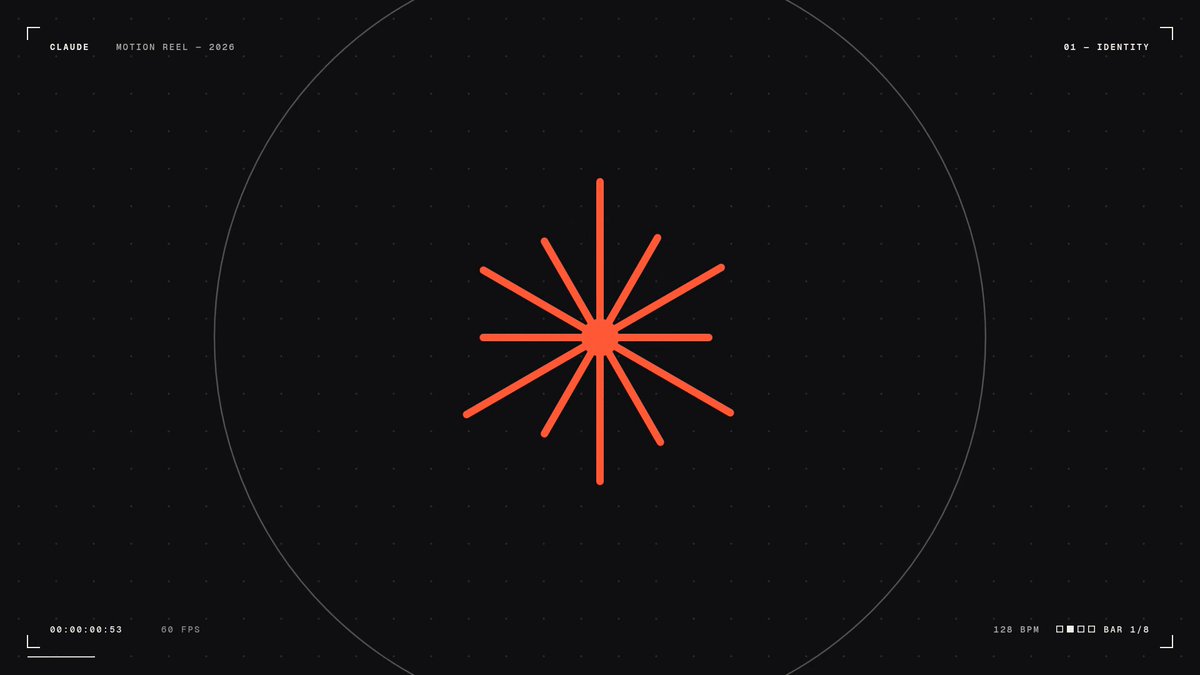 0:15
0:15A dynamic motion graphics showreel generated from code
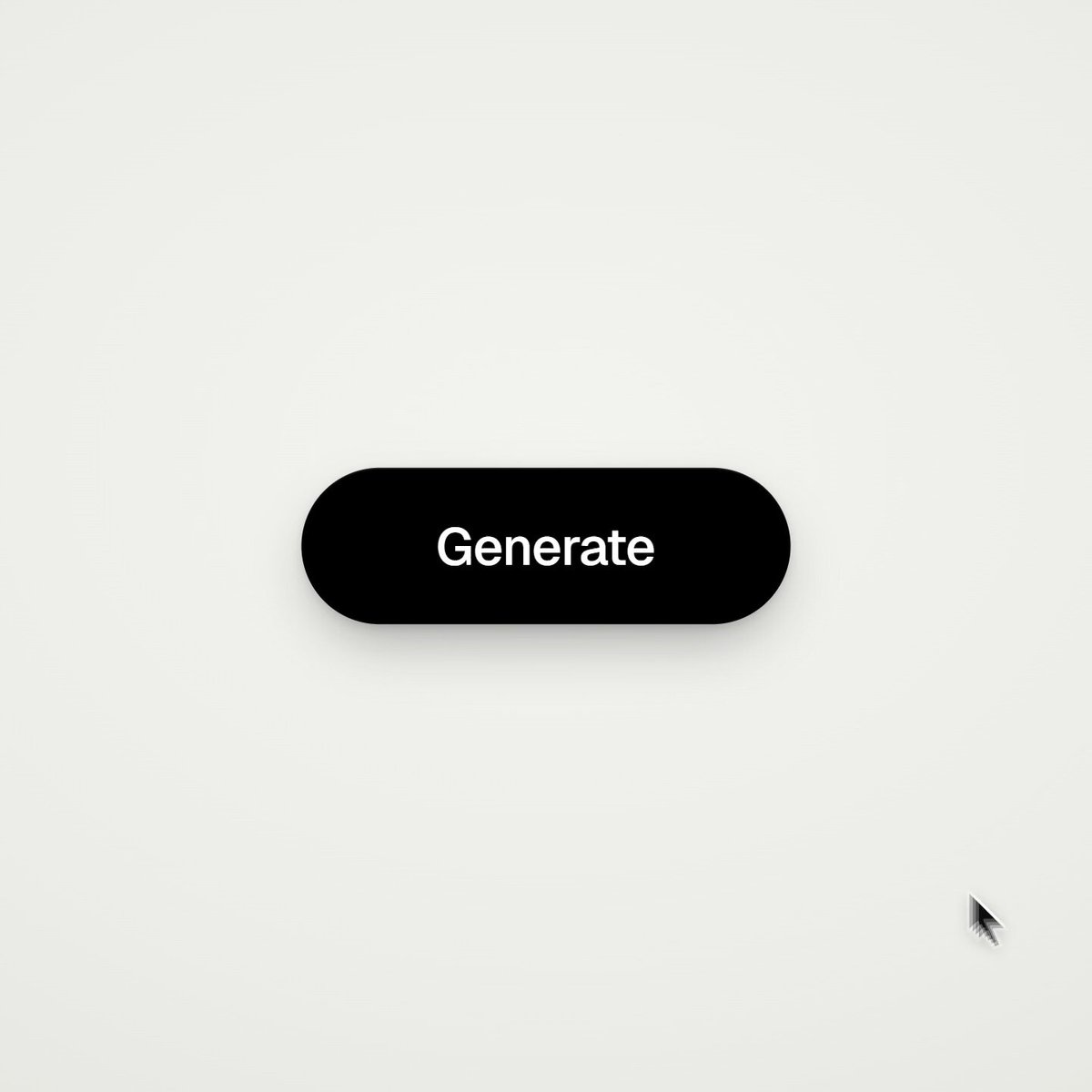 0:14
0:14Coded motion design showing multiple UI states
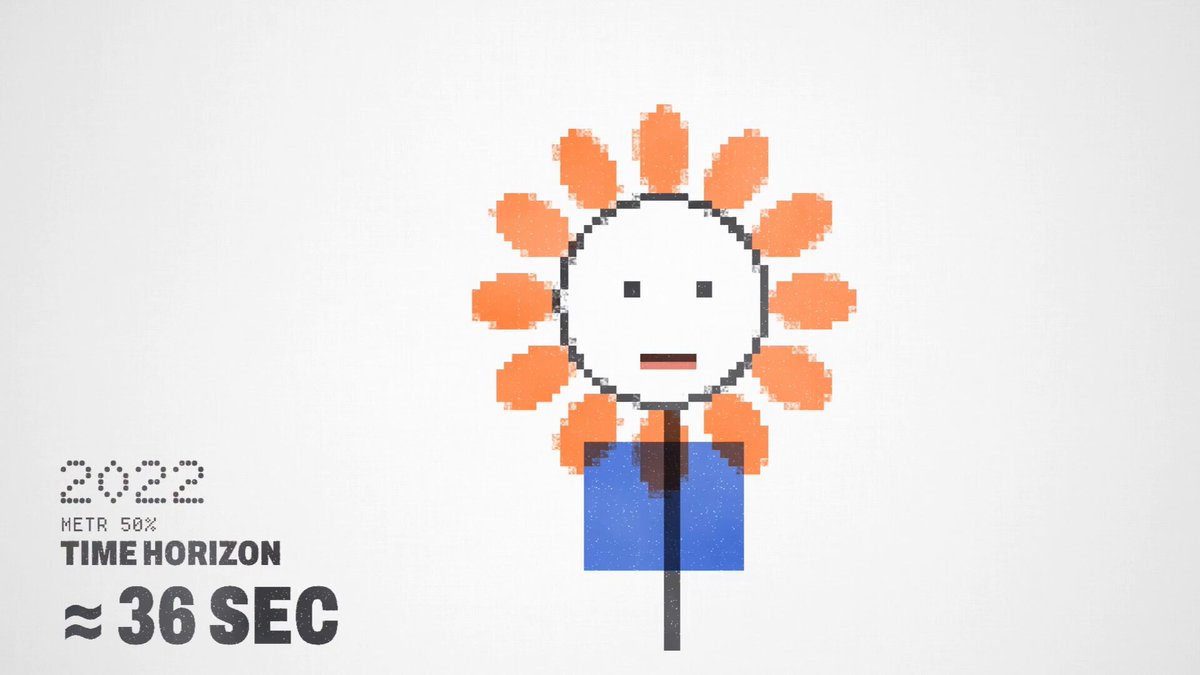 2:22
2:22Project generated from a single voice prompt
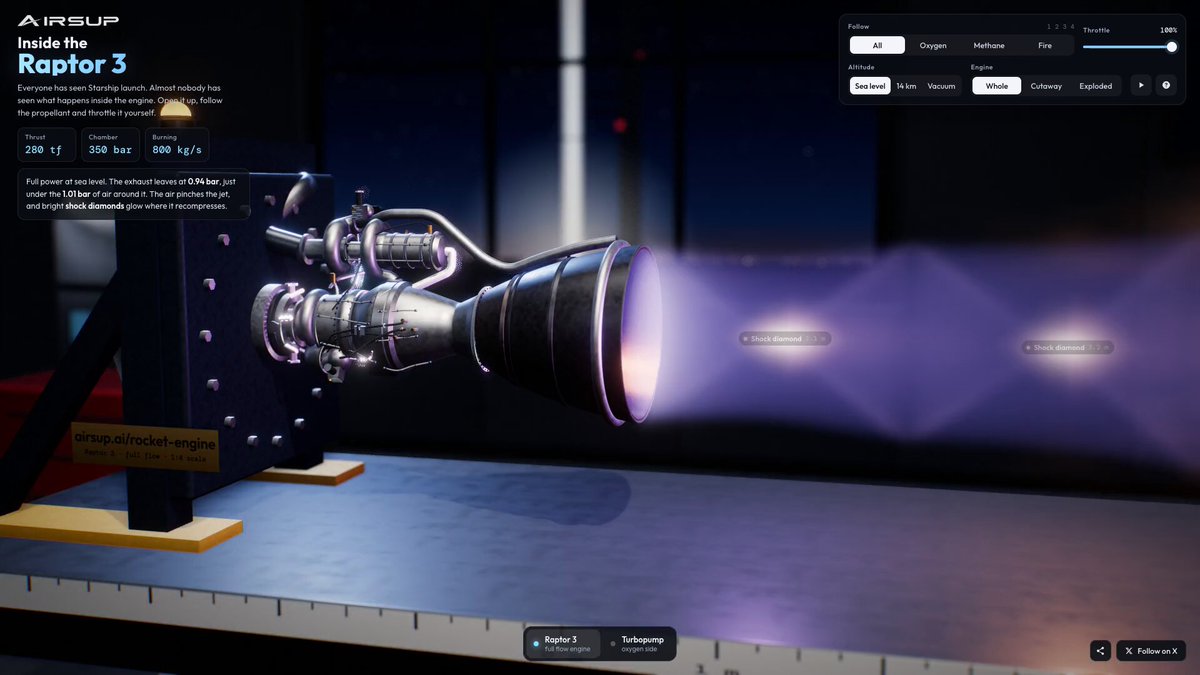 0:35
0:35Interactive 3D rocket engine explainer in browser
 3:09
3:09Animated film of human progress into the future
Frequently asked questions
Is motion video the same as motion graphics?
Motion graphics is one kind of motion video, usually centered on animated graphic design. This collection also includes cinematic AI clips, 3D experiments and creative-code demos.
Do I need to use a reference’s exact prompt?
No. Study the technique, then describe your own goal, sequence and constraints. The creator’s original post provides context, and may not contain the exact prompt.
Where can I make a motion video?
Use the creation link to SandBase Lab to explore a video or code workflow. MotionVideo is the discovery collection; generation takes place on Lab.