 MotionVideo
MOTIONVIDEO · A SANDBASE LAB GUIDE
Motion video generator: from an idea to a result.
Choose an AI motion video workflow, write a clear prompt and learn what to check before publishing. Start creating through SandBase Lab.
Start creating on SandBase Lab ↗Choose the output before choosing the tool
A motion video generator can refer to two different workflows. One produces video frames from a text or image instruction. The other uses a language model to write animation code, such as an HTML page with Canvas or WebGL. Both can create a moving image, but what you receive and how you revise it are different.
For a cinematic scene, a video-generation workflow is usually the more direct starting point. For a chart, interface demo or tightly specified typography, an animation built with code may be easier to inspect and adjust. A browser animation is not automatically an exported MP4: rendering or recording it is a separate step.
Write a brief the generator can follow
Describe the subject, visual style and sequence. State the target aspect ratio and duration where the workflow supports them. Supply exact on-screen text and define what should remain consistent. Keep the first attempt focused; one clear scene is easier to judge than a long sequence with competing instructions.
- Subject: what must appear, and what must not change?
- Sequence: what happens first, next and last?
- Camera or layout: what stays fixed, and what moves?
- Typography: what are the exact words and how long should they remain visible?
- Delivery: do you need editable code, a rendered clip or an interactive scene?
Create a 10-second product-introduction concept in a 16:9 frame.
0–3s: reveal the product name on a calm neutral background.
3–7s: show one feature with a simple visual demonstration.
7–10s: settle on a readable end card.
Use restrained motion and a warm accent color. Keep the supplied text exact.
Use only the assets I provide or original shapes. Avoid extra logos.
Start a workflow on SandBase Lab
From a video detail page, select “Create on SandBase Lab.” The link opens the existing Lab workflow with the creator’s post text and the associated model prefilled. It does not run generation automatically. Edit the brief, review the available controls and check any displayed usage cost before starting.
A text-to-video workflow produces a clip; a code-based workflow asks a language model to write the animation. The collection’s recreation link chooses the corresponding arena. Model availability, supported input formats and output settings are controlled by Lab and can change. For a new idea without a reference, open the video arena and start with your own brief.
Evaluate, revise and prepare the final video
Evaluate the result against the brief: the subject should remain coherent, text should be readable, and transitions should support the message. Listen to any audio separately, then watch once with sound muted. Check the result on the device and aspect ratio where it will be published.
Change one meaningful variable per revision, such as camera motion or title timing, so you can tell what improved. Keep a record of the prompt and settings that produced each usable result. Before publishing, confirm that your assets and output can be used for the intended purpose, and retain creator credit when sharing a reference.
See what different workflows can produce
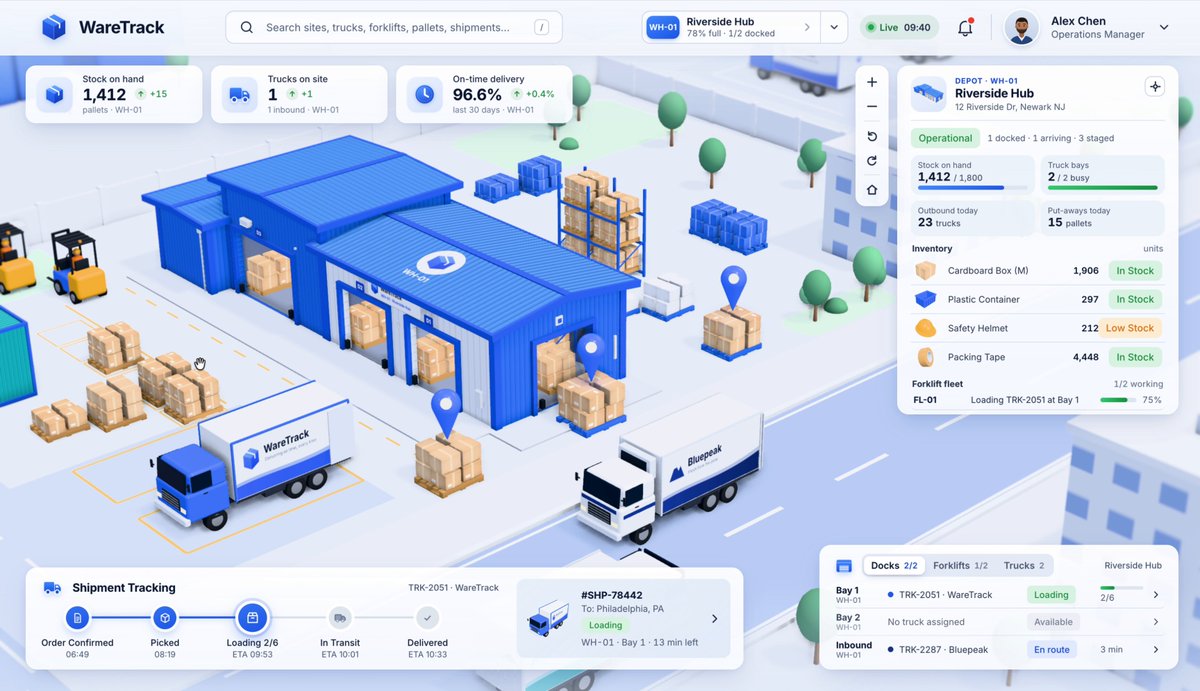
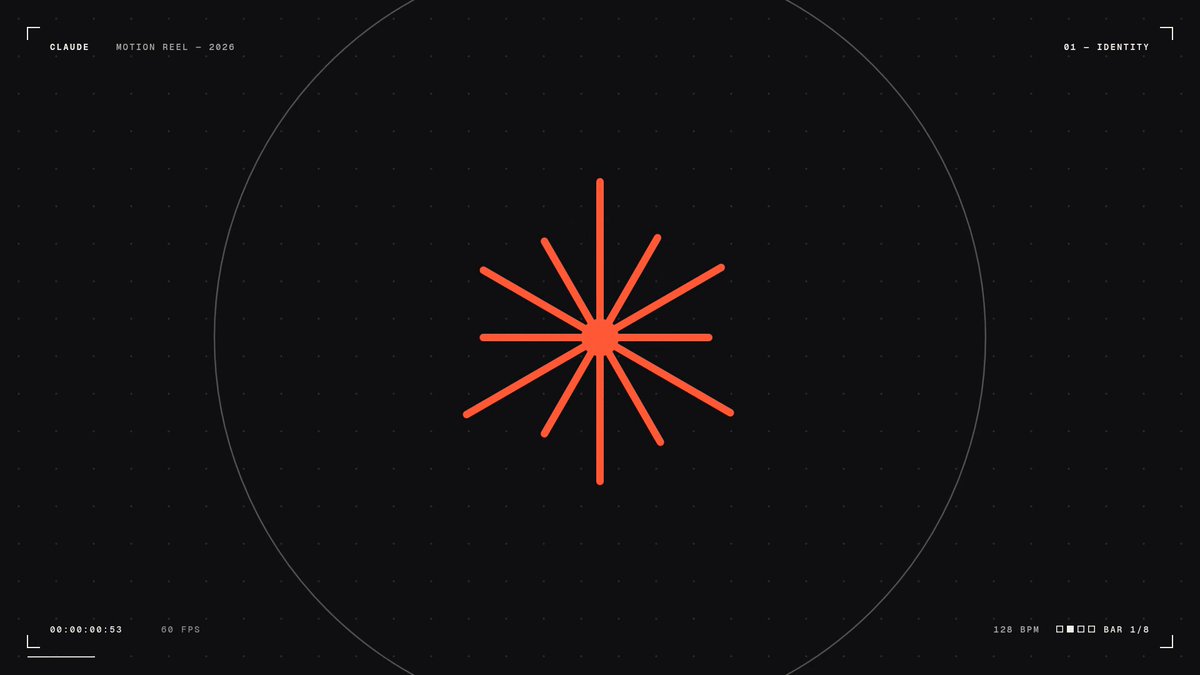
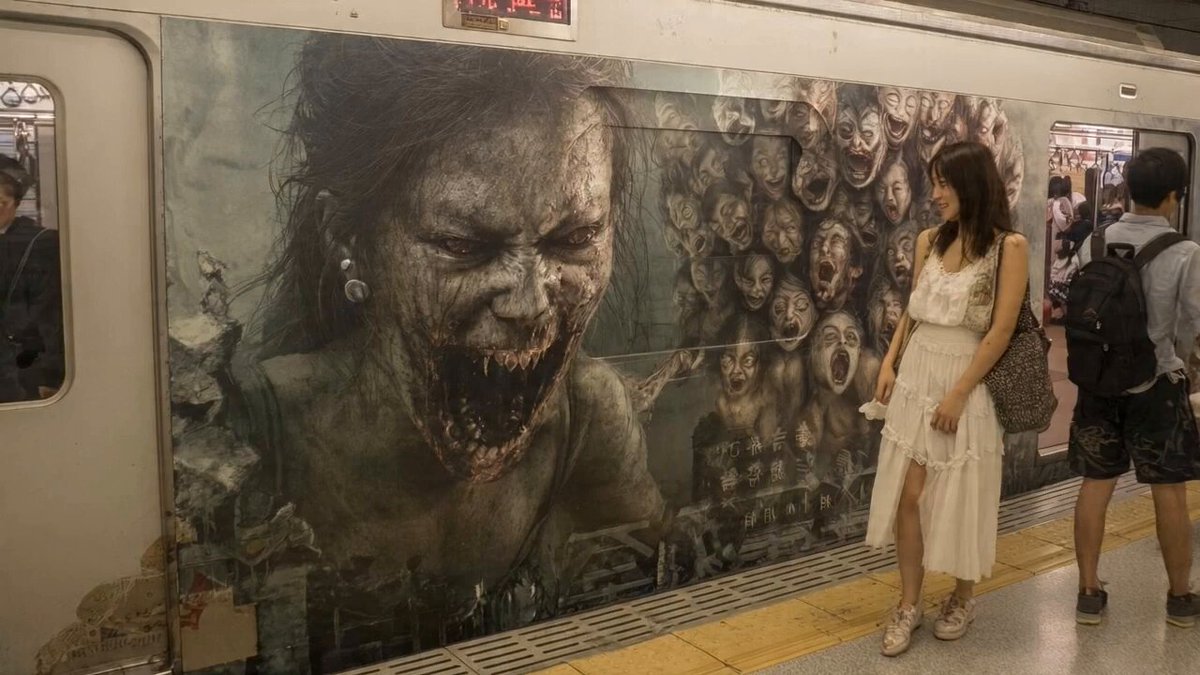
These creator examples illustrate different styles, not guaranteed generator outputs. Check each source post and adapt the workflow to your own brief.


Frequently asked questions
Is the motion video generator free?
This site is free to browse. Generation runs on SandBase Lab, where sign-in requirements, available models and usage charges follow the current workflow. Review the displayed terms and costs there.
Can I generate a video from a prompt?
The linked video arena supports a text-to-video workflow. A detailed brief helps communicate your goal, but outputs can vary and a reference prompt does not guarantee an identical result.
Can I make editable motion graphics?
For code-oriented references, the recreation link opens the language-model arena. It can produce animation code; inspect and run that code in the appropriate environment, then render or record it if you need a video file.
Does MotionVideo generate the video itself?
No. MotionVideo organizes inspiration and guides. The creation step happens on SandBase Lab, which handles the selected workflow and any associated usage.