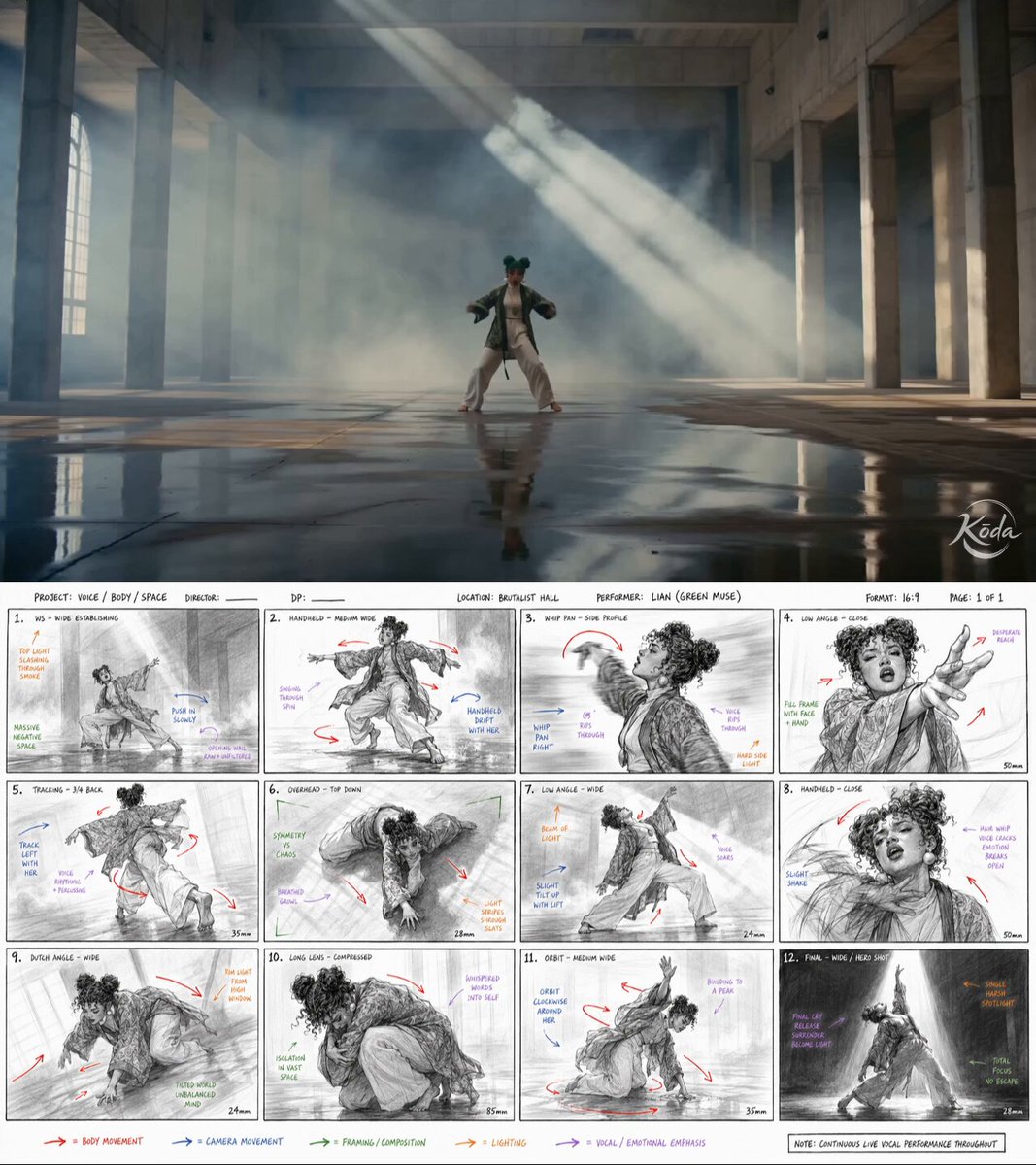
MotionVideo
 0:44
0:44Making of the HONEY music video
Making of the HONEY music video — @MrDavids1 による Seedance 2.0 の作品。動画と作者の原投稿から作品の背景を確認できます。
0:47 · 298 いいね(収録時のデータ) · 19.5K 再生(収録時のデータ)
作者の投稿
作者の投稿と元の作品タイトルは原文のまま掲載しています。
Seedance 2.0 is allowing us to enter a new era of music video creation. Here is how I created HONEY. It was a quick test to see how well this workflow holds up. 🐝
1 - Write your song and generate the music with Suno 5.5.
2 - Use an image generator of your choice. For HONEY I combined both Grok Imagine for aesthetics and Nano Banana Pro for refined editing.
3 - In Capcut I import my audio and just save out a blank video video containing the audio. This step is important because this video file containing audio will now be used with Seedance 2.0 as a video reference with Omni. This allows the AI to apply automatic and realistic lipsync and movement to the music, it's extremely powerful!
4 - Once I have a both my image and video with audio as reference, I use Seedance 2.0 Omni and upload my starting image and then the video reference with the audio.
5 - From here I'm simply prompting like normal, specifying what's happening in my scene with detailed instructions, mentioning multi shots and camera angle changes and then specifying that the person is singing along to the song. I type out the lyrics that are present to have better lipsync accuracy.
6 - Once I have generated a video and like the result, I do video to video, so i upload that video that just got generated and type "The scene continues" and prompt new actions to take place. This allows you to expand on a narrative. These new shots can be used as B-ROLL and since I uploaded my video as reference I have full consistency of everything it saw in the video. This is also extremely powerful.
7 - This is actually the most difficult part. Edit in Capcut. This is where you need to understand pacing and shot selection from all the scenes you generated to bring it all together. You must be strategic with the editing. Goodluck!
I'll probably record a video tutorial at some point as it's easier to see what is being done.
これは作者の投稿であり、検証済みの生成プロンプトではありません。